💡What You'll Learn
- Why tutorials signal poor UX
- How users actually interact with products
- The problem with over-explaining design
- What makes interfaces intuitive
- How to design for instant clarity
And deep down… you already know it.
Let’s start with something uncomfortable.
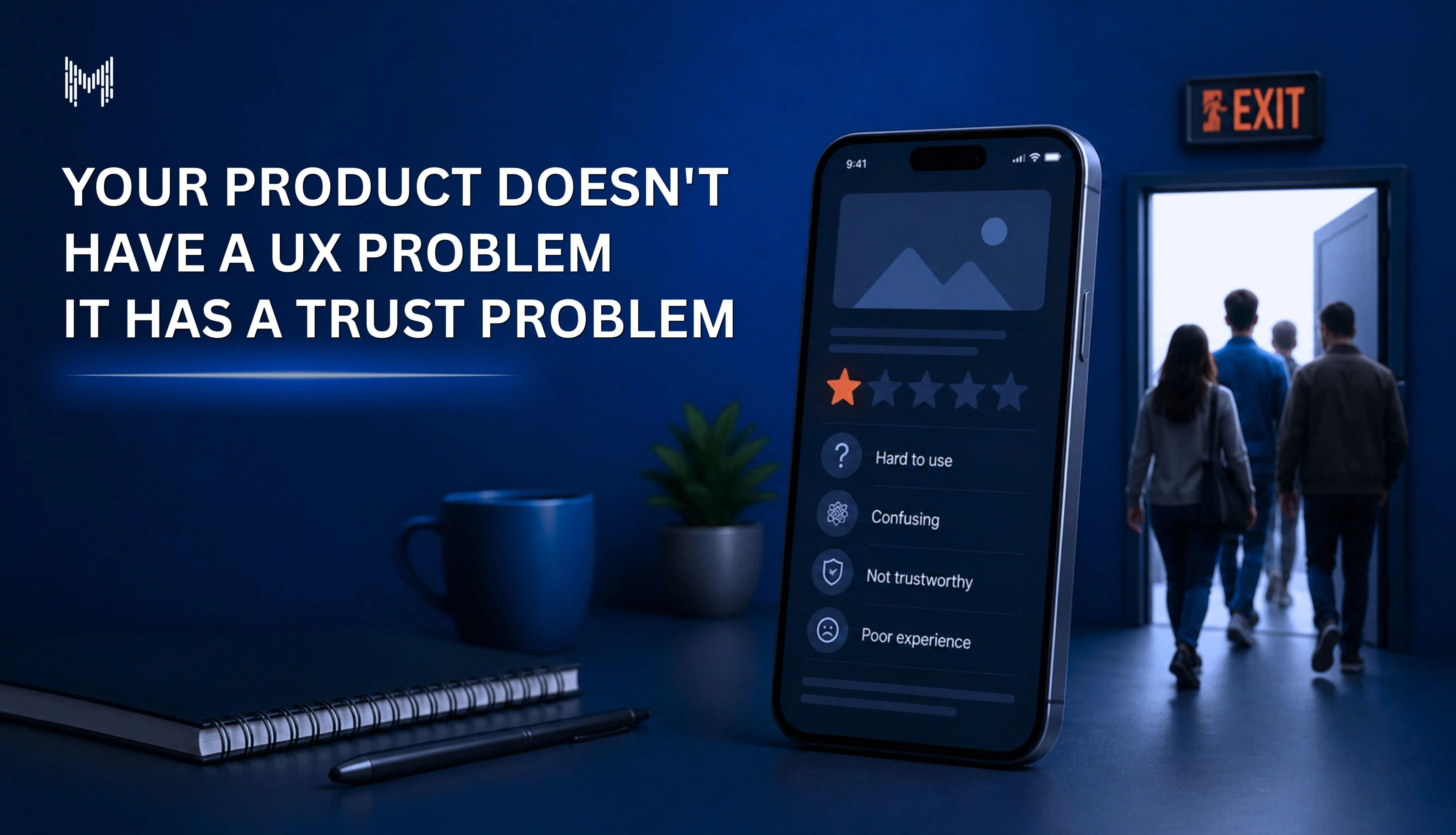
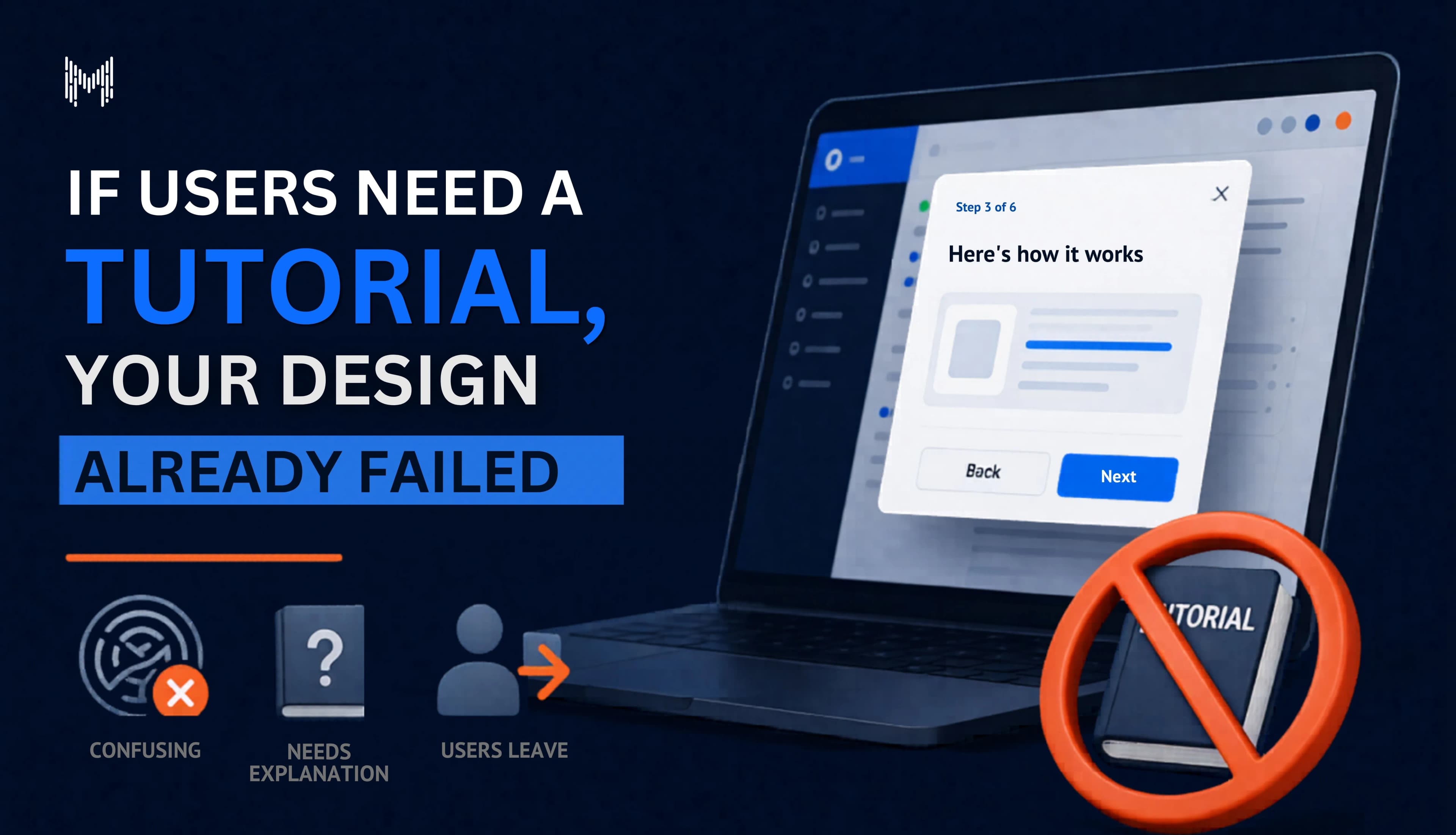
If your product needs a tutorial to be understood…
It’s not intuitive.
It’s not simple.
And it’s definitely not user-friendly.
“But Every Product Needs Onboarding…”
That’s the usual defense.
And sure some guidance is fine.
But there’s a difference between:
Helping users move faster
vs
Teaching them how your product works
If users need to learn your interface…
That’s not onboarding.
That’s recovery.
I Realized This the Hard Way
We once shipped a product we were proud of.
Clean UI.
Modern design.
Everything looked perfect.
So we added a tutorial.
Step-by-step walkthrough.
Tooltips.
Highlights.
Instructions.
We thought we were being helpful.
But What Actually Happened?
Users skipped it.
Closed it.
Ignored it completely.
And then…
Got stuck anyway.
That’s When It Hit Me
People don’t come to your product to learn it.
They come to use it.
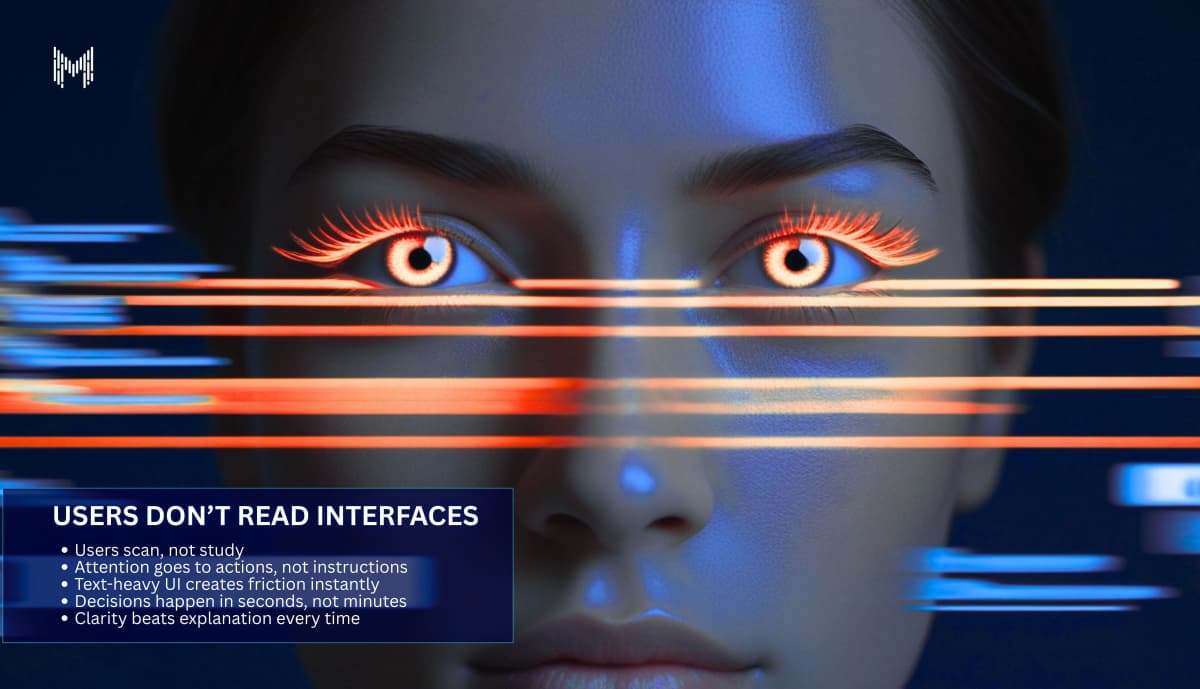
Users Don’t Read Interfaces
They scan.
They click.
They guess.
And if things don’t make sense instantly?
They don’t slow down.
They leave.
The 5-Second Rule
When someone opens your product, they’re asking:
- What is this?
- What do I do here?
- What happens if I click this?
If those answers aren’t obvious within seconds…
A tutorial won’t save you.
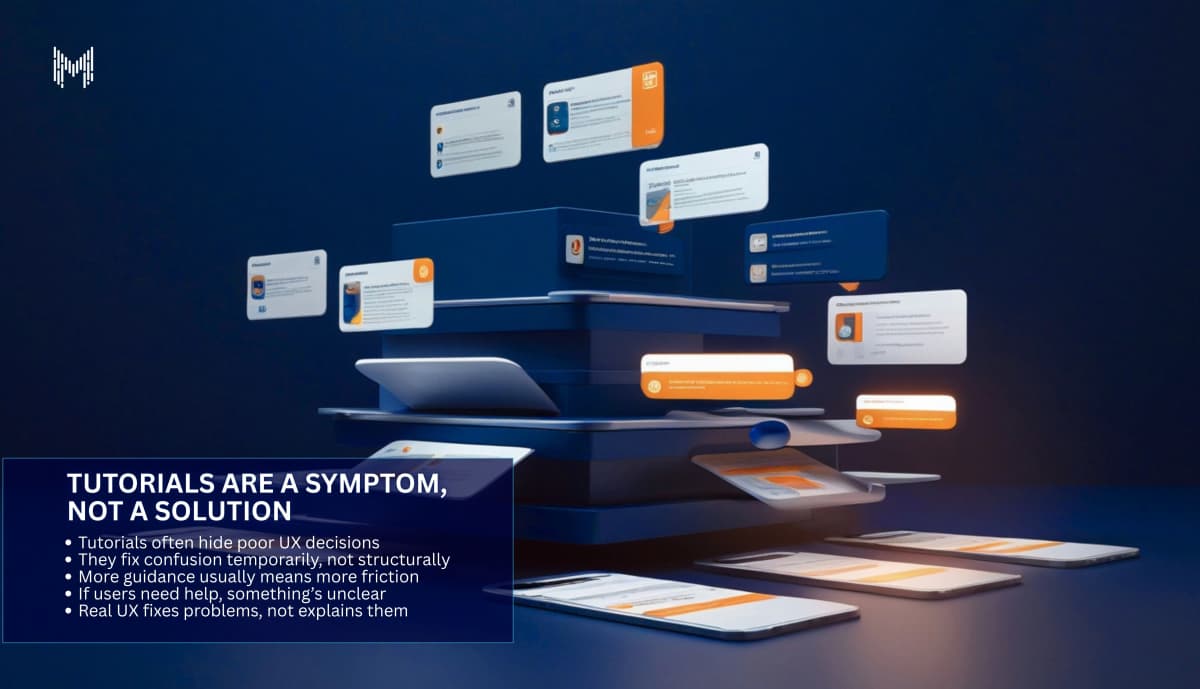
Tutorials Are a Symptom, Not a Solution
They usually exist because:
- the flow is confusing
- the hierarchy isn’t clear
- actions aren’t obvious
So instead of fixing the design…
We explain it.
But Here’s the Problem
Explanation doesn’t scale.
Clarity does.
The Illusion of “Helpful UX”
Adding:
- tooltips
- guides
- walkthroughs
Feels like improving the experience.
But often…
It’s just covering up friction.
Because Good UX Doesn’t Need Instructions
It feels obvious.
Natural.
Effortless.
Think About the Apps You Love
Did you watch a tutorial before using them?
Probably not.
You just:
- opened them
- understood them
- used them
That’s not luck.
That’s intentional design.
Where Most Products Go Wrong
They design for:
- features
- edge cases
- complexity
Instead of:
- clarity
- flow
- understanding
And Then They Add a Tutorial
Instead of asking:
“Why is this confusing?”
They ask:
“How do we explain it better?”
That’s Backwards
You don’t fix confusion by explaining more.
You fix it by removing what’s confusing.
Simplicity Feels Risky
Because it means:
- removing features
- saying no
- making tough decisions
But complexity?
It feels safe.
Even when it hurts the user.
The Real Test of UX
Not how it looks.
Not how many features it has.
But this:
Can someone use it without being told how?
If Not, Something’s Broken
And it’s not the user.
The Harsh Truth
When users struggle, we say:
“They didn’t understand.”
But what we should say is:
“We didn’t make it clear.”
The Shift That Changes Everything
Stop designing for explanation.
Start designing for intuition.
Instead of asking:
- “How do we guide users?”
Ask:
- “Why do they need guidance in the first place?”
What Great UX Actually Does
It:
- reduces decisions
- highlights the next step
- removes unnecessary options
- makes outcomes predictable
So Users Don’t Have to Think
And that’s the goal.
Not to make users smarter.
But to make the product easier.
Why Choose Mkaits Technologies
At Mkaits Technologies, we design products that users understand instantly.
We focus on:
- user-first UX strategy
- clarity-driven interfaces
- frictionless user flows
- real usability not just aesthetics
Because good design isn’t what looks good.
It’s what works without explanation.
Tutorials aren’t always bad.
But relying on them is a signal.
A signal that something deeper isn’t working.
Because in the end…
The best products don’t need to be explained.
They just make sense.